
Walkthrough · 14 Sep 2026

Controller Station Builders walkthrough is up — two tools, one video.
Build Niagara native stations faster, with no third-party dependencies.
Tools for people who live in Niagara Workbench. Add the module to Services, use it, take it out. The station you leave behind is just native Niagara objects; no third-party dependencies.
Walkthrough · 14 Sep 2026
Controller Station Builders walkthrough is up — two tools, one video.
New feature · 25 Aug 2026
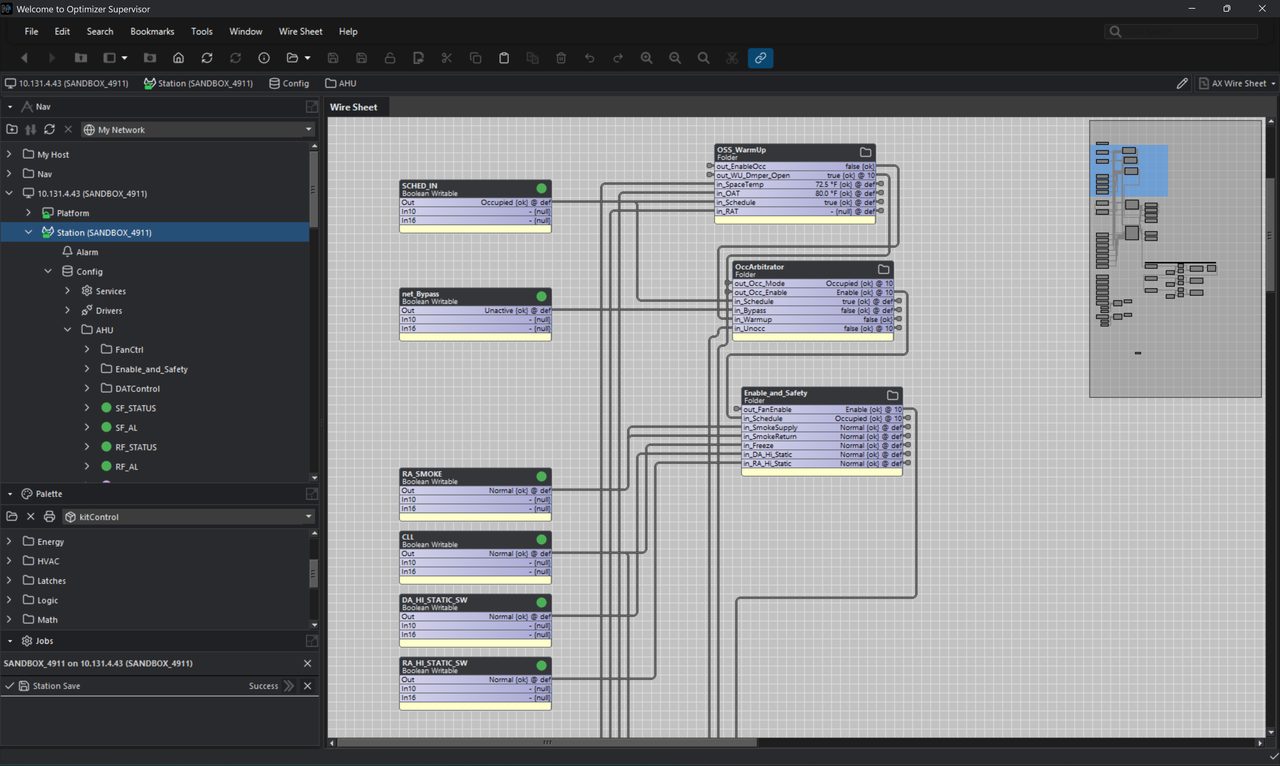
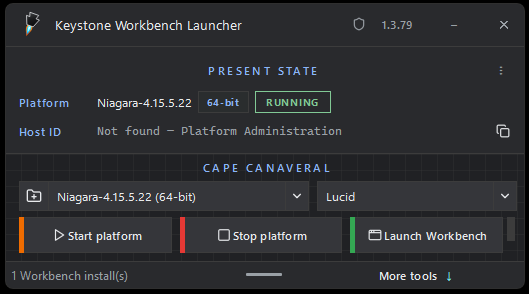
A regular launcher, plus Keystone dark mode. Niagara does not make that easy — we did what we could.
Keystone Pro is a Workbench module. Drop KeystoneProService into Services, use the tools, then take it out. What you leave is a normal Niagara station — more time on the system, less time on the repetitive bits.
The product is built on two ideas: build at scale, and view what is already there. Together they let you move through a job with more confidence.
Construct Niagara objects, PX views, links, and extensions at scale. The tools do the repetitive work so you can spend time on the system itself.
Scan and inspect what is already in the station. Check links, alarms, history grouping, and the work you just built before you leave the job.
Copy the runtime and Workbench jars for your Niagara version into the modules folder, then restart Workbench. Open the keystoneProTools palette and drag KeystoneProService onto Config → Services.
(Niagara Home)/modules.Keystone does not add station dependencies. The tools build with existing Niagara infrastructure — native objects, PX files, links, and extensions. After you remove the service, the station can run as a clean, Niagara-native environment. Keystone is not required at runtime.
License Level 1 is a one-time purchase and includes two seats. Each seat is bound to a Workbench machine, not to a station or a job. You take the same license from site to site.
That is the point of machine licensing. Other tools often license per station, which means a new key for every job. Keystone is licensed to the PC you work on, so you are not buying a license for each station you touch.
After purchase, use the Buy page to check seats and request a claim link. Copy Host ID from Platform Administration → View Details on that Workbench PC — you do not need Keystone Pro loaded first. Module jars themselves are free to download. The license unlocks the tools.
Each tool lives on KeystoneProService. Short descriptions below; the icons match the ones in Workbench. Walkthroughs are on their own page.
Paste source object(s) into many target folders.
Deploy point values across units from a spreadsheet.
Deploy a configured palette item onto many targets.
Link one source slot to the same slot on many targets.
Build writable replicas of proxy points and link them.
Expose selected points as Composite Editor pins on a folder.
Find objects from template point(s) or a query, then delete them.
Build report ComponentGrids and relativized PX tables.
Generate tabbed PX control panels with BoundLabels.
Build a PX grid of label-over-value BoundLabel pairs.
Apply and scan Baja grouping strings on history extensions.
Scan alarm extensions under a starting ORD, grouped by type.
Find blind remote subscriptions of your station, nub links, and same-sheet links.
Hide control-point action slots across many points.
Set the display name of one action slot on many points.
Find/replace, prepend, and append on many object names.
Launch Workbench installs with Keystone dark mode. MCP chat is on the admin beta launcher only.
Show Niagara host ID, install a .lic file, and check status. Always available.
Optional. We only send what you check — bug fixes and new features. License mail is separate.